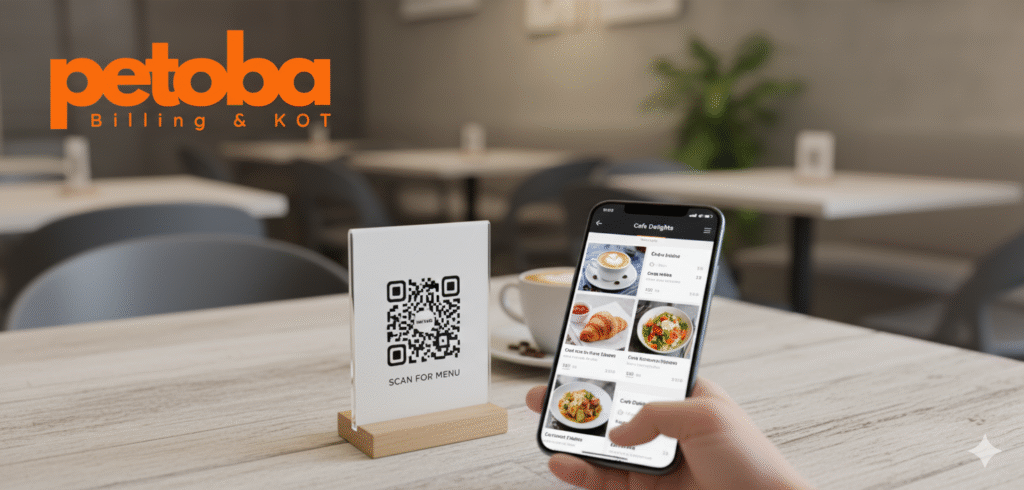
Running a restaurant today isn’t just about serving great food—it’s also about offering convenience and safety for your customers. That’s why QR Menus and digital menus are becoming essential.
At Petoba, we make it simple for restaurant owners to create, manage, and share QR menus without any technical hassles. In this guide, we’ll show you why QR menus matter and how you can set one up for your restaurant using Petoba.
What is a QR Menu?
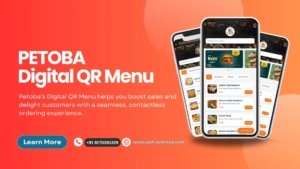
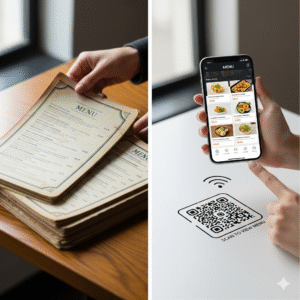
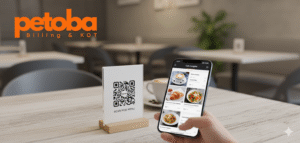
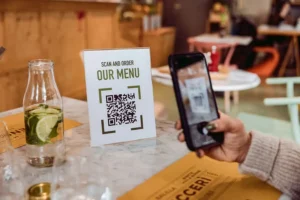
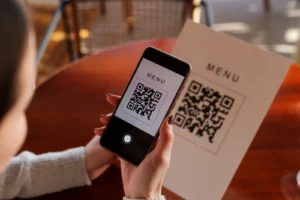
A QR Menu is a digital version of your restaurant menu that customers can access by scanning a QR code on their table or online.
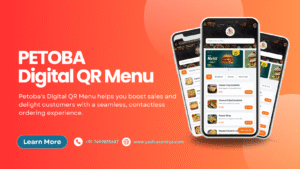
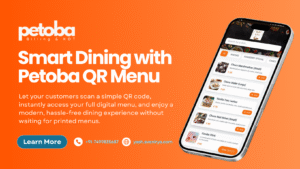
With Petoba, your QR Menu is interactive, easy to update, and mobile-friendly. No more printing paper menus, and updates are instant. Customers get a smooth experience, and you save time and costs.
Why Use Petoba’s Digital Menu Platform
Using Petoba to create your digital menu has multiple benefits:
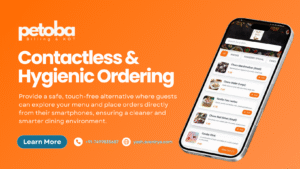
- Contactless Ordering: Customers can scan the QR code and place orders safely.
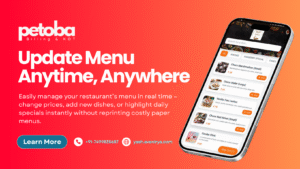
- Instant Updates: Add, remove, or edit menu items anytime—no printing required.
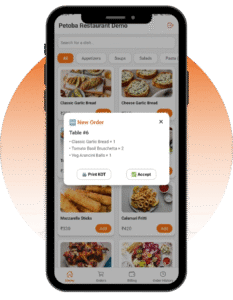
- Better Customer Experience: Display photos, descriptions, and dietary info effortlessly.
- Cost-Effective: Reduce printing costs and keep your menu always fresh.
Petoba makes digital menus simple, fast, and effective, whether you run a cafe, restaurant, or food stall.
Step-by-Step Guide to Creating a QR Menu on Petoba
Here’s how you can get your QR menu ready in minutes:
Step 1 – Sign Up on Petoba
Create your account on Petoba and log in to the dashboard. It’s quick and easy.
Step 2 – Add Your Menu Items
Upload your dishes with images, descriptions, and prices. Organize your menu into categories like starters, mains, desserts, and drinks.
Step 3 – Generate Your QR Code
Once your menu is ready, Petoba generates a unique QR code linking to your digital menu.
Step 4 – Share Your QR Menu
Place the QR codes on tables, walls, or your website. Customers can now scan and access your menu instantly.
Tips for an Effective QR Menu
- Ensure the menu is mobile-friendly.
- Use high-quality images of your dishes.
- Highlight specials, combos, and seasonal items.
- Keep the menu clean and easy to navigate.
With these tips, your QR Menu will not only look great but also improve the dining experience.
QR Menu vs Traditional Menu
| Feature | QR Menu (Petoba) | Paper Menu |
|---|---|---|
| Contactless | ✅ | ❌ |
| Instant Updates | ✅ | ❌ |
| Mobile-Friendly | ✅ | ❌ |
| Cost Effective | ✅ | ❌ |
Switching to Petoba’s digital QR menu saves time, enhances customer satisfaction, and gives your restaurant a modern edge.
FAQs About QR Menus on Petoba
Q1: How long does it take to set up a QR menu?
A: With Petoba, you can set up your digital menu in under 30 minutes.
Q2: Can I update menu items anytime?
A: Yes! Changes are instant and easy.
Q3: Will it work on all devices?
A: Absolutely! Petoba’s QR menus work on any smartphone with a camera.
Conclusion
A QR Menu or Digital Menu is the modern way to serve your customers. With Petoba, creating a QR menu is fast, easy, and cost-effective.
Ready to upgrade your restaurant experience? Sign up on Petoba today and start creating your digital menu in minutes.