
Getting access to the WhatsApp API is usually seen as complicated. Many businesses assume it requires long approvals, technical setup, or third-party integration.
But with WPLeads, the process is simplified.
You can set up a WhatsApp API connection in just a few minutes and start building automated workflows immediately.
Why WhatsApp API matters for businesses
The WhatsApp API allows businesses to move beyond basic messaging.
Instead of handling chats manually, businesses can:
- automate replies
- manage conversations in a structured way
- build workflows for lead generation and support
This turns WhatsApp into a system for business communication.
What you need before getting started
Before setting up the API, make sure you have:
- a fresh phone number
- the number should not be registered on WhatsApp or WhatsApp Business
This is required for the setup to work properly.
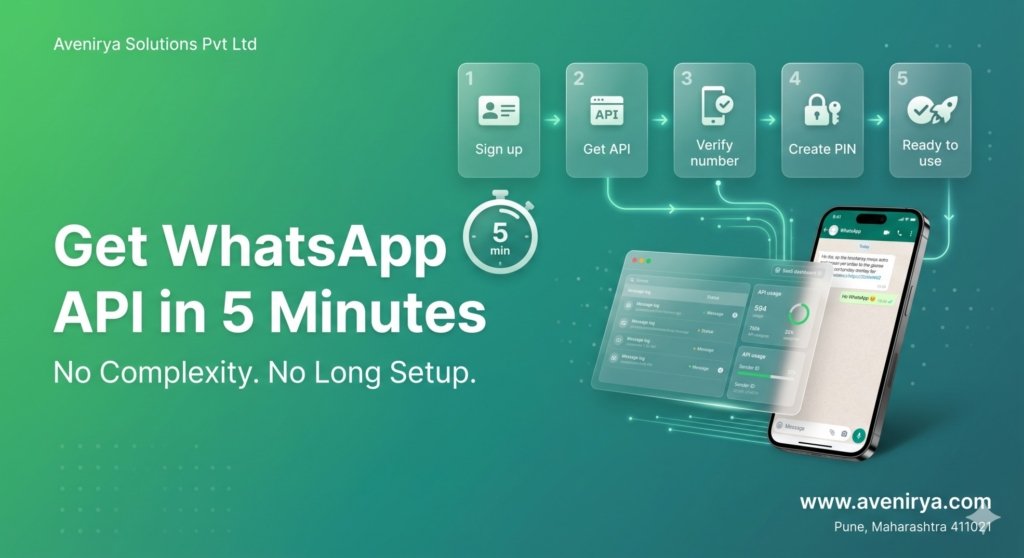
Step-by-step: Get WhatsApp API in 5 minutes
With WPLeads, the setup process is straightforward.
Step 1: Sign up
Create your account on WPLeads.
Step 2: Click on “Get Free API”
Inside the dashboard, select the option to get your WhatsApp API.
Step 3: Fill in your details
Enter the required information in the setup form.
Step 4: Verify your number
Use your fresh number and complete the verification process.
Step 5: Create a 6-digit PIN
Set a secure PIN during setup.
Step 6: Automatic configuration
Once verified, the system configures the API automatically.
👉 At this point, your WhatsApp API is ready to use.
What to do after setup
Once your API is active, you can start building workflows.
This is where the real value begins.
With WPLeads, you can:
- create automated conversation flows
- guide users step-by-step
- manage responses without manual effort
👉 Instead of replying manually, you build a system that handles conversations for you.
How workflows help your business
Workflows allow you to control how conversations happen.
For example:
- a user sends a message
- the system replies instantly
- the user selects an option
- the next response is triggered
This makes communication:
- faster
- more structured
- easier to manage
Workflows help turn conversations into leads and actions.
Why WPLeads simplifies WhatsApp API setup
Most businesses avoid WhatsApp API because it feels complex.
WPLeads removes that complexity by:
- simplifying the setup process
- automating configuration
- allowing quick access without technical steps
👉 This makes it easier for businesses to start using automation without delays.
Final thoughts
Getting started with WhatsApp API does not have to be difficult.
With WPLeads, businesses can set up their API in minutes and start building workflows immediately.
This allows faster communication, better lead handling, and more efficient customer interaction.